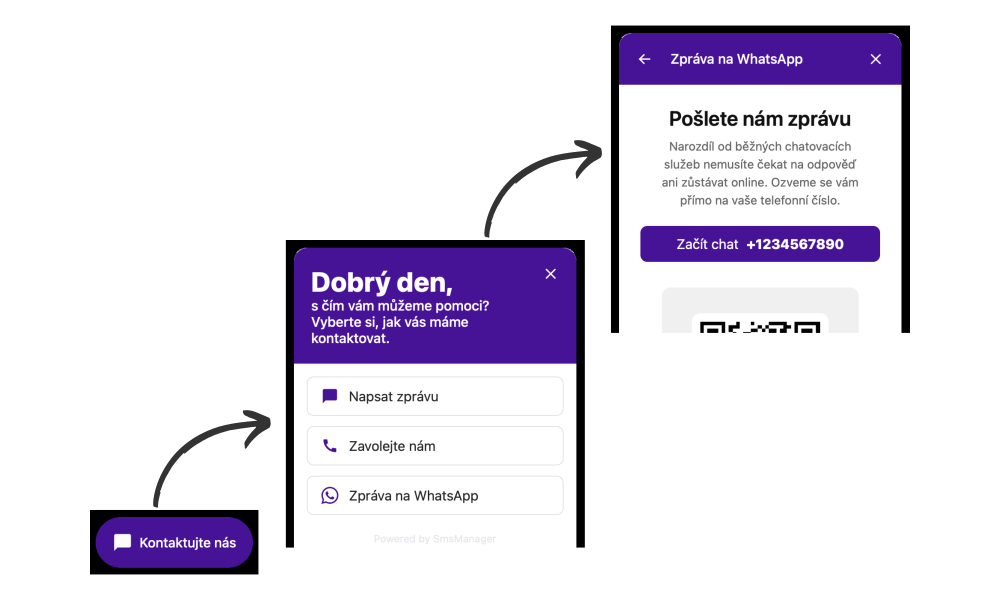
Chat widget

Universal contact point

Replace online chat that requires you to be constantly connected. Customers contact you via WhatsApp, SMS, or Facebook Messenger, and you conveniently reply directly to their mobile phone.

What makes this widget better than a classic online chat?

Works even when you're offline

You don't need to be online - reply when you have time. No missed opportunities and happier customers.

Automatic contact collection

The customer simply sends a message and you get their phone number. Build a database for further communication without unnecessary forms.

Fixed price

One flat rate with no hidden fees. Scale your team and channels without worrying about rising costs.

Quick deployment

Set your colors & texts. Copy a short code and the widget is running in 5 minutes.

Team collaboration

Conversation assignment and internal notes. Faster query resolution and clear accountability.

Supported communication channels

WhatsApp Business

The most popular messenger in CZ. Send photos, documents and interactive buttons.

Facebook Messenger

Be within reach on your customers' social network. Easy connection with your Facebook page.

SMS

Text message as a reliable communication method without the need for an internet connection or extra app.

Instagram

Ideal for visual brands and younger audiences. Reply to DMs without switching apps.

Viber Business

Widely used in Eastern Europe. Support for rich content and powerful CTA elements.

E-mail

Connection to any email solution. All incoming messages can be automatically routed to your email and you can respond without logging in (coming soon).

Use case examples

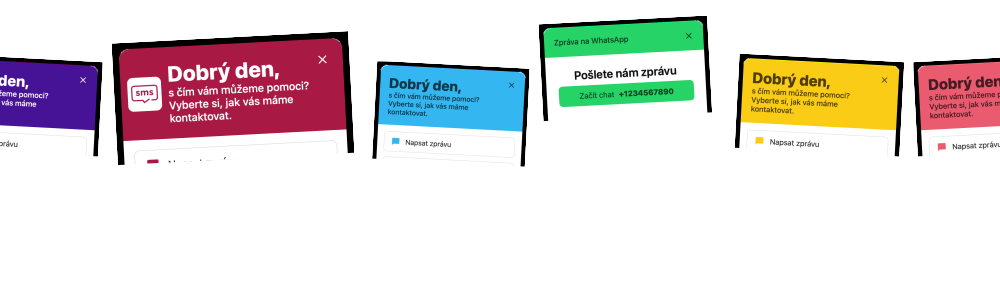
Advanced customization options for every use case.
Why does this chat widget work?

Designed for mobile communication

The chat widget is designed to route customers into mobile communication.

This way, you keep the customer's contact and can reach out to them again in the future.

WhatsApp conversations

Every incoming WhatsApp conversation (from the customer to you) automatically opens a 24-hour window during which you can send WhatsApp messages for free.

The chat widget allows you to automatically open a popup with a WhatsApp message that the customer sends to you, subscribing to the conversation.

Customization

You can customize the widget with your colors, logo, and texts. Set up any combination of contact methods yourself.

Using the developer guide, you can automate functionality: automatically display a QR code after an order is placed, and more.

How to get started with unified chat

Setup takes just a few minutes

1

Connect communication channels

A few clicks to connect phone numbers, WhatsApp Business, Facebook or Instagram.
2

Customize your widget

You can customize the widget with colors, logo and texts. Set up any combination of contact methods yourself.
3

Add the widget to your page

Add the widget to your page and start communicating.